


Protect business data and you protect the one asset that never shows up on a balance sheet. Customer records, pricing models, supplier contracts, staff details, login credentials, product designs and years of operational history all sit quietly in systems, inboxes and cloud apps. Nobody photographs them for the annual report. Yet when they’re stolen, locked or leaked, the damage lands everywhere at once: revenue, reputation, regulators and trust.
This guide explains why data is the invisible asset every Australian business is trying to protect, where it’s most exposed, which practical controls make the biggest difference, and how cyber security certification training helps people turn good intentions into real protection. You’ll also find course options for Melbourne, Sydney, Brisbane, Perth, Adelaide and Canberra.
What Is the Invisible Asset Every Business Is Trying to Protect?
In most organisations the most valuable thing isn’t a building or a machine. It’s information, and the trust customers place in how you handle it. Security professionals describe this through the CIA triad: confidentiality (only the right people see it), integrity (it hasn’t been tampered with) and availability (it’s there when needed). Lose any one of those and the business feels it quickly.
It’s called invisible because nobody sees it until something goes wrong. A server room fire is obvious. A stolen password database might go unnoticed for weeks. That invisibility is exactly why leaders underinvest in efforts to protect business data, and why attackers target it.
Why It Is So Hard to Protect Business Data Today
Ten years ago, company data lived mostly on a few servers behind a firewall. Today it’s scattered across cloud platforms, SaaS apps, laptops, phones, shared drives, email threads and supplier systems. Three shifts make it harder to control.
- Remote and hybrid work. Staff access sensitive systems from home networks and personal devices.
- Shadow IT. Teams sign up for convenient tools without telling IT, so nobody knows where data really lives.
- Supply chains. Your data often sits with accountants, software vendors and cloud providers whose security you don’t directly control.
You can’t protect what you can’t see. That’s why the first job in any security programme is knowing what you hold and where it is.
What Is at Stake When You Fail to Protect Business Data
| Type of data | Why attackers want it | Business impact when lost |
| Customer records | Identity theft, fraud and resale | Privacy complaints, notification duties, lost trust |
| Financial data | Invoice fraud and payment redirection | Direct money loss and audit headaches |
| Credentials | Gateway into every other system | Wider compromise and long recovery |
| Intellectual property | Competitive advantage or extortion | Lost edge and legal exposure |
| Operational data | Ransomware pressure | Downtime, missed deliveries, unhappy customers |
| Employee data | Fraud and phishing targeting | HR crises and staff distrust |
Annual studies such as the IBM Cost of a Data Breach report consistently show that breaches carry both immediate response costs and slower-burning losses such as customer churn. The long tail is often the bigger cost.
Six Common Ways Businesses Lose Control of Their Data
- Phishing and social engineering. One convincing email can hand over a password. Our post on why some professionals stay valuable explains why people skills matter as much as tools.
- Weak or reused credentials. Without multi-factor authentication (MFA), a single leaked password can unlock an entire account.
- Unpatched software. Known vulnerabilities stay open because updates are delayed.
- Cloud misconfiguration. Storage left open to the internet by mistake remains a regular cause of exposure.
- Insider mistakes. Misdirected emails and over-shared files are far more common than malicious insiders.
- Third-party weakness. A supplier breach can become your breach overnight.
Australian Obligations When You Hold Personal Data
Australian organisations covered by the Privacy Act 1988 must follow the Australian Privacy Principles and the Notifiable Data Breaches scheme. In general, that means notifying the regulator and affected people when an eligible data breach is likely to cause serious harm. The Office of the Australian Information Commissioner explains the scheme on its notifiable data breaches page. This article is general information, not legal advice, so check your specific obligations.
To protect business data in practice, the Australian Cyber Security Centre’s Essential Eight is the most widely referenced baseline. It covers application control, patching, macro settings, application hardening, administrative privileges, operating system patching, MFA and regular backups.
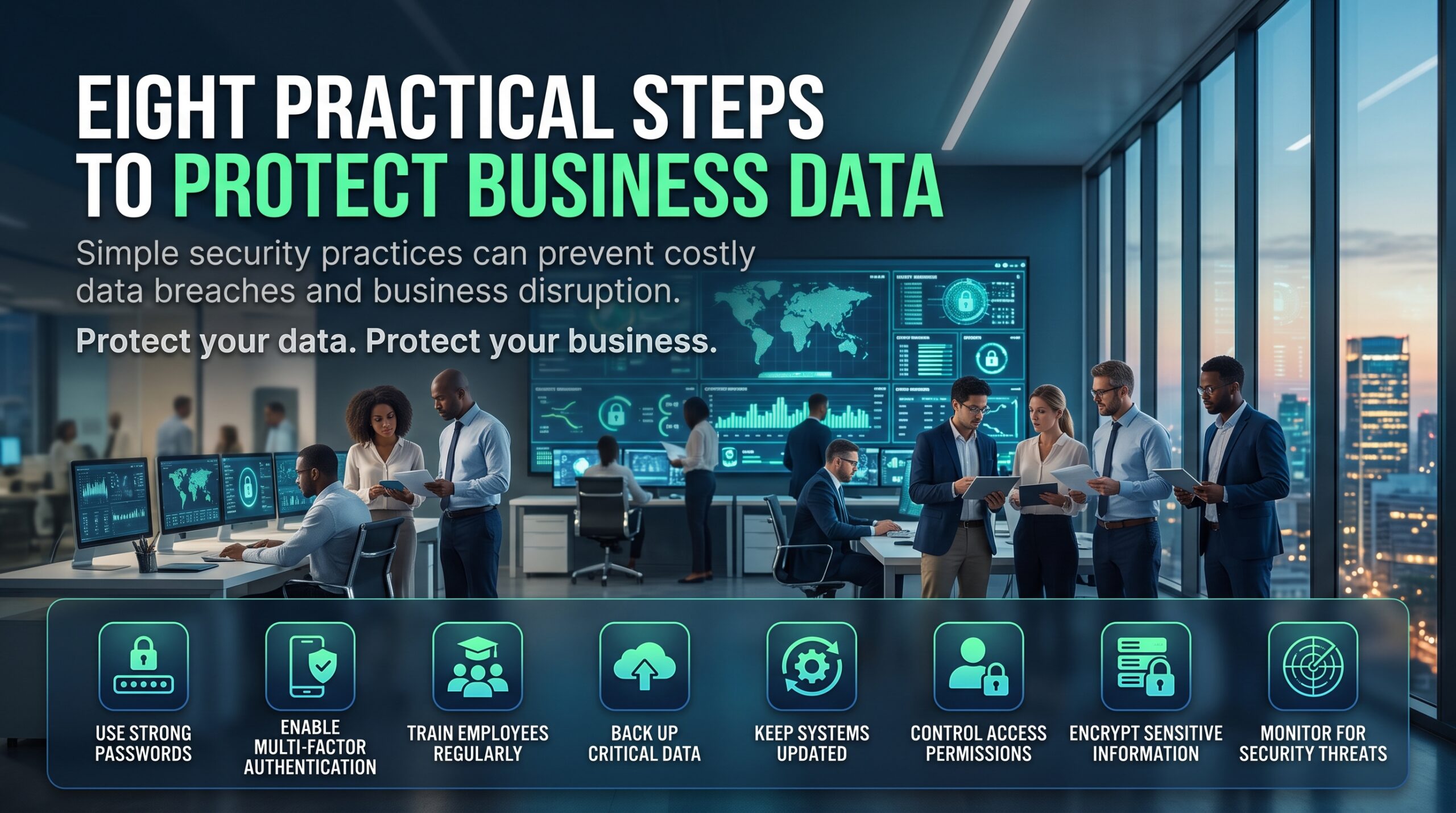
Eight Practical Steps to Protect Business Data
These steps work whether you protect business data for a ten-person firm or a national enterprise. Start with the first three and build from there.
1. Know what you hold
Build a simple inventory of important data, where it lives and who can access it. Classify it into categories such as public, internal, confidential and restricted.
2. Turn on multi-factor authentication everywhere
Start with email, finance systems, remote access and admin accounts. MFA is one of the highest-value, lowest-cost controls available.
3. Apply least privilege
Give people only the access their role needs, and review it when they change jobs or leave.
4. Patch quickly
Prioritise internet-facing systems and known exploited vulnerabilities. Automate wherever you can.
5. Back up and test restores
A backup you’ve never restored is a hope, not a plan. Keep at least one copy offline or immutable so ransomware can’t reach it.
6. Monitor and detect
Collect logs, set alerts for unusual sign-ins and review them. Security analysts trained in tools such as SIEM platforms spot trouble earlier.
7. Write and rehearse an incident response plan
Decide in advance who makes decisions, who talks to customers and regulators, and how systems are isolated. Run a tabletop exercise at least once a year.
8. Train your people
Short, regular, realistic training beats an annual slideshow. People are your largest attack surface, and your best sensor when they feel safe reporting mistakes.
Picture a ten-person accounting practice. Its client files, tax records and bank details are the entire business. Switching on MFA, separating admin accounts, testing backups and teaching staff to spot payment-change scams cost relatively little. A single successful invoice-redirection scam could cost far more. The practice didn’t need a security team. It needed a few trained people applying basics consistently.
People Are the Control: Certifications That Help You Protect Business Data
Tools alone can’t protect business data. Trained people configure, monitor and defend them. Here’s how our certification courses map to the work.
| Skill area | What it helps you do | Course |
| Security foundations | Understand threats, controls and risk | CompTIA Security+ |
| Threat detection and analysis | Spot and investigate suspicious activity | CompTIA CySA+ |
| Penetration testing | Find weaknesses before attackers do | CompTIA PenTest+ |
| Firewall and network security | Control traffic and segment networks | Palo Alto PCNSA |
| Cloud security | Secure identities, data and workloads in Azure | Microsoft AZ-500 |
Not sure which to choose? Read which cyber security certification to get first, our certifications roadmap and which certification will actually get you hired. Wondering how AI is changing the work? See Microsoft Security Copilot. If you’re starting out, our sister site cybersecuritycourse.au covers entry pathways, and you can browse every option on our courses page.
Careers benefit too. Professionals who can explain risk in business terms become hard to replace, as we explore in The Replacement Risk, The Cyber Security Opportunity Gap and Cyber Security Certification Mistakes. Visible proof of skill also matters; see Cybersecurity Credentials and The Opportunity Cost of Standing Still.
Cyber Security Training to Protect Business Data Across Australian Cities
Threats don’t respect state borders, but local industries differ. Sydney and Melbourne have dense finance and professional services sectors, Brisbane has infrastructure and public services, Perth has resources, Adelaide has defence and health, and Canberra has government. Choose the training page closest to you.
| City | Typical data protection focus | Training page and delivery |
| Melbourne | Healthcare, education, finance and state government | Cyber security training Melbourne: in-person or live online |
| Sydney | Financial services, technology and professional services | Cyber security training Sydney: in-person or live online |
| Brisbane | Infrastructure, energy and public sector | Cyber security training Brisbane: in-person or live online |
| Perth | Resources, energy and operational technology | Cyber security training Perth: live online or in-house |
| Adelaide | Defence, manufacturing and health | Cyber security training Adelaide: live online or in-house |
| Canberra | Federal government and security-sensitive work | Cyber security training Canberra: live online or in-house |
Prefer a wider IT classroom? Logitrain lists options for cyber security courses plus local pages for Sydney, Melbourne, Brisbane, Perth, Adelaide and Canberra. See all locations on our locations page.
Five Questions Business Leaders Should Ask About Their Data
Boards and owners who want to protect business data can begin with five plain-English questions.
- Do we know what our most valuable data is, and where it lives?
- Who can access it, and when did we last review that access?
- If we were attacked tonight, could we restore from backup and how long would it take?
- Who is responsible for deciding whether to notify customers and regulators?
- Do our people have the skills to defend what we’ve built?
If any answer is “I’m not sure”, that’s where to begin. Teams wanting tailored training can arrange in-house delivery via our contact page.
Frequently Asked Questions About How to Protect Business Data
What is the best way to protect business data?
There’s no single fix. The most effective approach layers controls: know your data, enable MFA, limit access, patch quickly, keep tested backups, monitor activity and train staff. The ACSC Essential Eight is a strong starting framework.
Why is data called an invisible asset?
Because it has enormous value but doesn’t appear as a physical item or a standard line on financial statements. Its loss is often only noticed after the damage has begun.
How can small businesses protect business data on a limited budget?
Focus on the basics: MFA, automatic updates, tested backups, strong password management, staff awareness and a simple incident plan. These deliver large risk reduction for modest cost.
Which cyber security course should I start with?
Most people begin with CompTIA Security+, which covers core security concepts. Analysts often follow with CySA+, while cloud-focused professionals consider AZ-500.
Do I need an IT background to study cyber security?
Many entry-level certifications don’t require prior experience, though basic IT knowledge helps. Check the course page or speak to an advisor on 1300 649 299.
Are the courses available online?
Yes. Training runs live online across Australia, with in-person options in major cities. Visit our FAQs for details.
Protect What Cannot Be Seen
Every business holds an invisible asset. The ones that thrive are those that take it seriously before an incident forces them to. To protect business data you don’t need perfection. You need visibility, good habits, tested recovery and people with the right skills.
Ready to build those skills? Explore our cyber security certification courses, or speak to a course advisor on 1300 649 299 about live online, city-based or in-house training.