


Machine identity is the part of your security perimeter that nobody put on the org chart. Every API key, service account, digital certificate, bot, pipeline token and cloud workload that signs in without a person behind it is a machine identity, and most organisations are running far more of them than they have employees.
Ask who owns them and you tend to get a pause. That pause is the blind spot. Picture a contractor who builds a nightly data export, leaves the company, and has every one of their own logins disabled on the final day. The service account behind that export keeps running for another fourteen months, with a password that never expires and access to a customer database. Nobody was careless. The offboarding checklist was simply written for people. (This is an illustrative scenario, but most security teams will recognise it instantly.)
This guide explains what machine identity is, why it stays invisible, how attackers use it, and a practical five-step plan to secure it. It also shows where the skills to do this work come from, whether you lead security in Melbourne, Sydney, Brisbane, Adelaide, Canberra or Perth.
What Is Machine Identity and Why Does It Matter?
A machine identity is a credential that proves who or what a piece of software, device or workload is, so it can access systems without human involvement. You will also hear the terms non-human identity (NHI) and workload identity. The vocabulary overlaps and the risk is the same: an account that can act on your systems but is not a person.
Common examples include:
- Service accounts: directory or cloud accounts used by applications and scheduled jobs.
- API keys and OAuth tokens: credentials that let one system call another.
- Digital certificates and SSH keys: proof of identity for servers, devices and automation.
- Managed and workload identities: cloud-native identities assigned to virtual machines, containers and functions.
- Bots, pipelines and AI agents: automation that deploys code, moves data or takes actions on someone’s behalf.
Every one of these identities can read, write or delete something. Unlike staff, they never take holidays, forget passwords or trigger a suspicious sign-in alert from a new city. An attacker who steals one can look like normal business traffic for a very long time.
Why the Machine Identity Blind Spot Exists
Most teams are not ignoring these accounts on purpose. Several structural reasons keep it out of sight.
People have a joiner-mover-leaver process, machines do not
Human accounts are created by HR events and removed by HR events. A service account is created by whoever needed something to work that afternoon. There is no start date, no manager and no exit interview, so nothing triggers a review.
Ownership dissolves over time
A developer builds an integration, moves teams and eventually leaves. The account stays. Ask three people who owns it and you may get three different answers, or three shrugs.
Convenience beats caution at creation time
Under delivery pressure, the quickest fix is a broad permission and a password that never expires. Both are meant to be temporary. Both tend to become permanent.
Growth outpaces governance
Cloud services, SaaS integrations, automation and AI agents all create identities faster than governance can catalogue them. Widely quoted industry estimates, repeated in coverage of the OWASP Non-Human Identities Top 10, suggest non-human identities can outnumber human ones by ten to fifty times. Treat those figures as directional rather than exact, but the direction is clear.
Most identity tools were designed for people
Multi-factor authentication, single sign-on and access reviews all assume a human is in the loop. A script cannot approve a push notification. So these accounts fall into the gap between identity teams, cloud teams and application owners.
How Attackers Exploit Machine Identity
Attackers like these accounts for the same reasons defenders overlook it: it is powerful, permanent and rarely watched. Typical patterns include:
- Hunting for secrets exposed in code repositories, configuration files, tickets and chat threads.
- Using overprivileged service accounts to move sideways to more valuable systems.
- Taking over an abandoned account that still works because nobody is monitoring it.
- Abusing long-lived tokens that never expire and cannot be traced back to a person.
The OWASP Non-Human Identities Top 10, first published in January 2025, gives the industry a shared language for these failures. It ranks risks by exploitability, prevalence, detectability and impact, and it places improper offboarding at number one. GitGuardian’s walkthrough of the list is a handy companion read. Five of the entries are worth knowing by heart:
| Risk | What it looks like | First fix |
| Improper offboarding | Service accounts and keys that outlive the person, project or system that needed them | Name an owner and a retirement date at creation |
| Secret leakage | Keys and passwords sitting in code, wikis, tickets or chat | Scan for secrets and move them into a vault |
| Overprivileged identities | Admin rights granted “just to make it work” | Right-size access to least privilege |
| Long-lived secrets | Credentials that never expire or rotate | Use short-lived, automatically rotated credentials |
| Human use of machine accounts | People signing in interactively with a shared service account | Block interactive logins and use named admin accounts |
Warning Signs of a Machine Identity Blind Spot
You do not need a new tool to find out whether you have this problem. Put these questions to your team. If the honest answer to several is no, you have a blind spot:
- Can we say how many service accounts and API keys we have, within a reasonable margin?
- Does every one have a named owner and a documented purpose?
- Do we know which passwords and keys have not changed in over a year?
- Do leaver checklists cover the automations a person built, as well as their laptop and logins?
- Are secrets kept out of source code, wikis and chat?
- Do we know which non-human accounts hold administrator rights?
- Have we ever been surprised by an expired certificate?
The Business Cost of Ignoring Machine Identity
The visible cost is a breach. The quieter costs arrive earlier. An expired certificate takes a customer-facing service offline on a Monday morning. An audit finds that nobody can explain a privileged account. An incident response team spends days working out which automation uses which credential before it can contain anything.
Underneath sits a trust problem. Customers, regulators and partners expect you to know what has access to their data. That expectation is at the heart of digital trust, and it is part of what security professionals do every day when they protect business data.
How to Secure Machine Identity: A Five-Step Plan
You do not need to fix everything at once. This plan works for security leads, cloud engineers and IT managers alike.
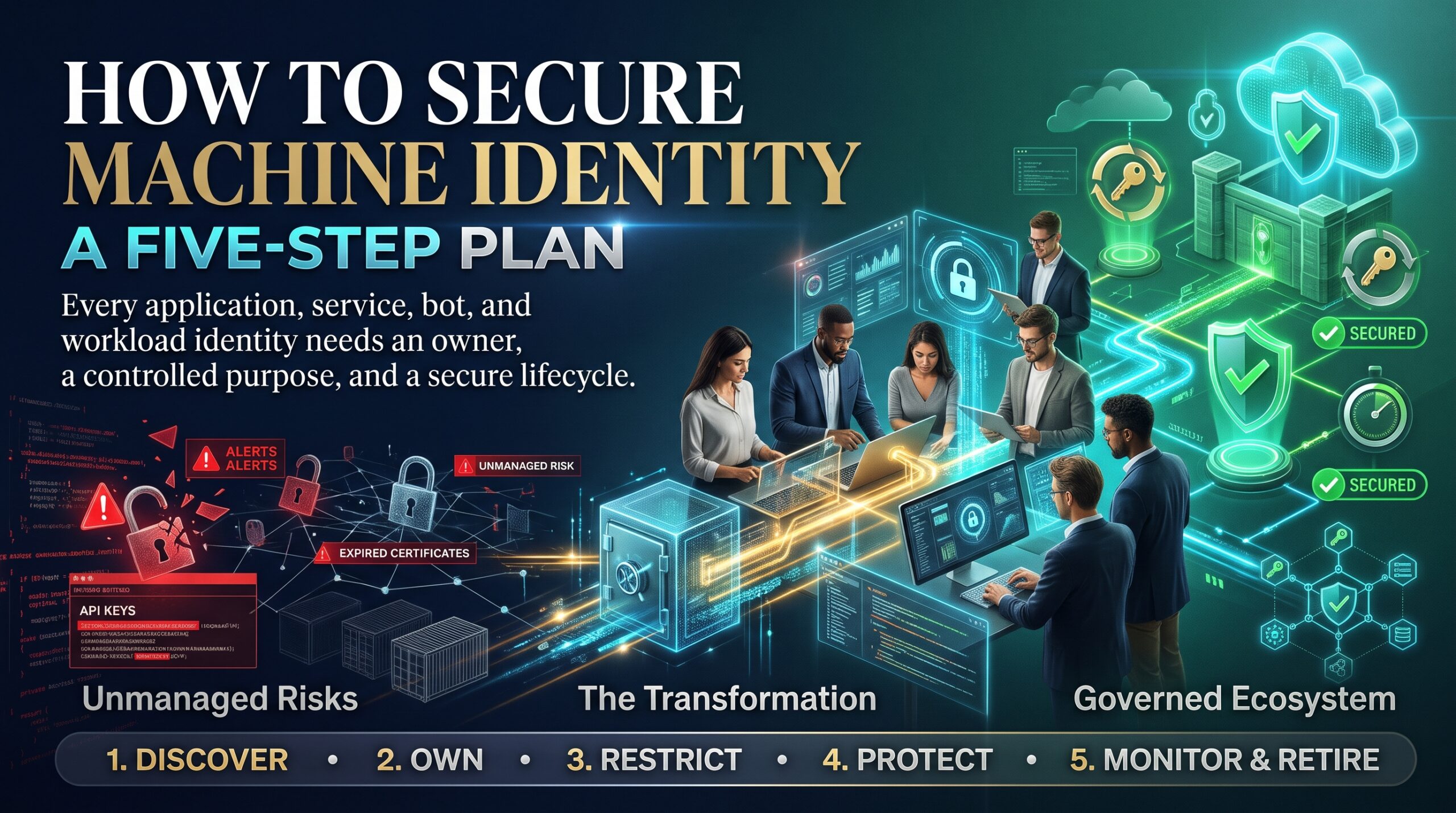
Step 1: Discover and inventory every non-human account
Start with your directory, cloud platforms, CI/CD pipelines and SaaS integrations. A rough inventory in a spreadsheet beats a perfect one that never gets built. Begin where privilege is highest.
Step 2: Give every identity an owner and a purpose
Record who is responsible, what the account does and when it should be reviewed or retired. If nobody claims it, treat it as a candidate for shutdown, after a proper test window.
Step 3: Cut privileges back to least privilege
Review what each identity can actually do and remove everything it does not need. The Australian Signals Directorate’s guidance on restricting administrative privileges is a solid reference, and it forms part of the Essential Eight.
Step 4: Replace long-lived secrets with short-lived, managed credentials
Move passwords and keys into a vault, rotate them automatically, and prefer cloud-native options such as managed identities in Microsoft Azure and secrets storage like Azure Key Vault. ASD’s Essential Eight guidance on restricting administrative privileges expects service account credentials to be long, unique, unpredictable and managed at the higher maturity levels.
Step 5: Monitor behaviour and retire what is unused
Machines behave predictably, which makes deviations easier to spot than human ones. Baseline normal activity, alert on odd sources or times, and switch off identities that have not been used for a defined period.
A 30-60-90 Day Machine Identity Plan
Use this timeline to turn the five steps into a schedule your team can commit to.
| Window | Focus | Key outputs |
| Days 1 to 30 | Discover | Inventory of service accounts, keys and certificates
List of the highest-privilege identities Secret scan of code repositories |
| Days 31 to 60 | Own and reduce | Owner and purpose recorded for every account
Privilege reduction on the top tier Leaver checklist updated to include automations |
| Days 61 to 90 | Automate and monitor | Vaulting and rotation for critical secrets
Alerting on unusual use Quarterly review scheduled |
Machine Identity Security in Australian Organisations
Australian organisations have a useful starting point in the Essential Eight, which treats restricting administrative privileges as a core control and expects service account credentials to be managed. Federal and state agencies in Canberra, banks and insurers in Sydney and Melbourne, health and education bodies in Brisbane and Adelaide, and resources and engineering firms in Perth all run large estates of automation. Different sectors, same blind spot.
If you work in a regulated environment, being able to show an inventory and named owners for your non-human accounts makes audits far easier.
Skills and Certifications That Help You Secure Machine Identity
Securing these accounts sits across identity, cloud, detection and network security, so no single course covers everything. Each of these pathways covers a piece:
- CompTIA Security+: core identity and access management concepts, and the right starting point if you are new to the field.
- AZ-500 Microsoft Azure Security: securing identities, workloads and secrets in Azure, where many machine identities live.
- CompTIA CySA+: analysing logs and spotting abnormal activity, including misuse of service accounts.
- CompTIA PenTest+: understanding how attackers find and abuse credentials so you can test your own defences.
- PCNSA for Palo Alto firewalls: controlling machine-to-machine traffic at the network layer.
Compare every option on our cyber security courses page, or choose your city: Melbourne, Sydney, Brisbane, Adelaide, Canberra or Perth. Live online and in-house delivery are available too, so see our locations page. Thinking about a move into the field? Read why thousands of vacancies still go unfilled and how professionals become indispensable in cyber security.
Machine Identity FAQs
What is machine identity?
Machine identity is the credential or certificate that lets software, devices and workloads prove who they are and access systems without a person. Examples include service accounts, API keys, tokens and TLS certificates.
What is the difference between machine identity and non-human identity?
The terms overlap heavily. Machine identity often refers to certificates, keys and device or workload credentials, while non-human identity is the broader term that also covers service accounts, bots, pipeline tokens and AI agents. In practice you secure both the same way: inventory, ownership, least privilege and rotation.
Why are service accounts a security risk?
They often carry broad permissions, passwords that never expire and no named owner, and they are rarely covered by multi-factor authentication or leaver processes. That makes them attractive and long-lasting targets.
How do you secure machine identity?
Inventory every non-human account, assign an owner, reduce privileges, move secrets into a vault with automatic rotation, monitor activity and retire anything unused.
Does multi-factor authentication protect machine identity?
Not in the usual way, because a script cannot approve a prompt. Machine identities need other controls: short-lived credentials, managed identities, certificate-based authentication, network restrictions and strong monitoring.
Which certification is best for machine identity security?
No single certification covers everything. Security+ builds the identity fundamentals, AZ-500 covers identity and secrets in Azure, and CySA+ and PenTest+ help you detect and test for credential abuse. Our FAQs page answers common questions on delivery and requirements.
Final Thoughts: Close the Machine Identity Blind Spot
The machine identity blind spot is not a failure of effort. It is a side effect of building fast with tools designed for people. The fix is unglamorous and very achievable: know what exists, know who owns it, give it less power and watch it more closely. Start with an inventory this month and the rest of the plan has something to stand on.
Want the skills to lead this work? Contact our team to talk through the right pathway, or read more on our cyber security blog.